Last Updated on 11/02/2026 by Jack Anderson
Remote work isn’t going anywhere, and having the right tools makes all the difference between thriving and barely surviving. This guide covers the best remote work tools for 2026, from video conferencing and project management to time tracking and team collaboration. Whether you’re a freelancer, part of a distributed team, or running a remote-first company, you’ll find practical recommendations backed by real-world experience. We’ve tested dozens of platforms to bring you tools that actually work, not just the ones with the biggest marketing budgets.
When I first started working remotely five years ago, I thought all I needed was a laptop and decent WiFi. Boy, was I wrong. I quickly learned that remote work success depends heavily on having the right digital toolkit. After countless trial-and-error experiments, video calls that went sideways, and projects that got lost in email threads, I’ve finally figured out what actually works.
The remote work landscape has evolved dramatically. What worked in 2020 doesn’t cut it anymore. Teams are more distributed, projects are more complex, and honestly, we’re all a bit tired of clunky interfaces and tools that promise the moon but deliver a pebble.
So let me share what I’ve learned about the tools that genuinely make remote work easier, more productive, and dare I say it, even enjoyable.
Why the Right Tools Matter More Than Ever
Here’s the thing about remote work that nobody tells you upfront: without the right tools, you’ll spend more time managing communication than actually doing your job. I’ve watched talented people burn out not because of the work itself, but because they were drowning in Slack messages, missing Zoom calls, and losing track of deadlines across seventeen different platforms.
The best remote work tools don’t just replicate what you’d do in an office. They make remote work better than being in an office. They give you flexibility, transparency, and the ability to work asynchronously without everything falling apart.
Communication and Video Conferencing Tools
Let’s start with the obvious one because we’re all spending way too much time on video calls.
Zoom remains the gold standard for a reason. It just works. The interface is intuitive, the video quality is reliable, and your grandma can figure out how to join a meeting. In 2026, Zoom added AI-powered meeting summaries that actually capture action items accurately, which has been a game-changer for those days when you’re juggling back-to-back calls.
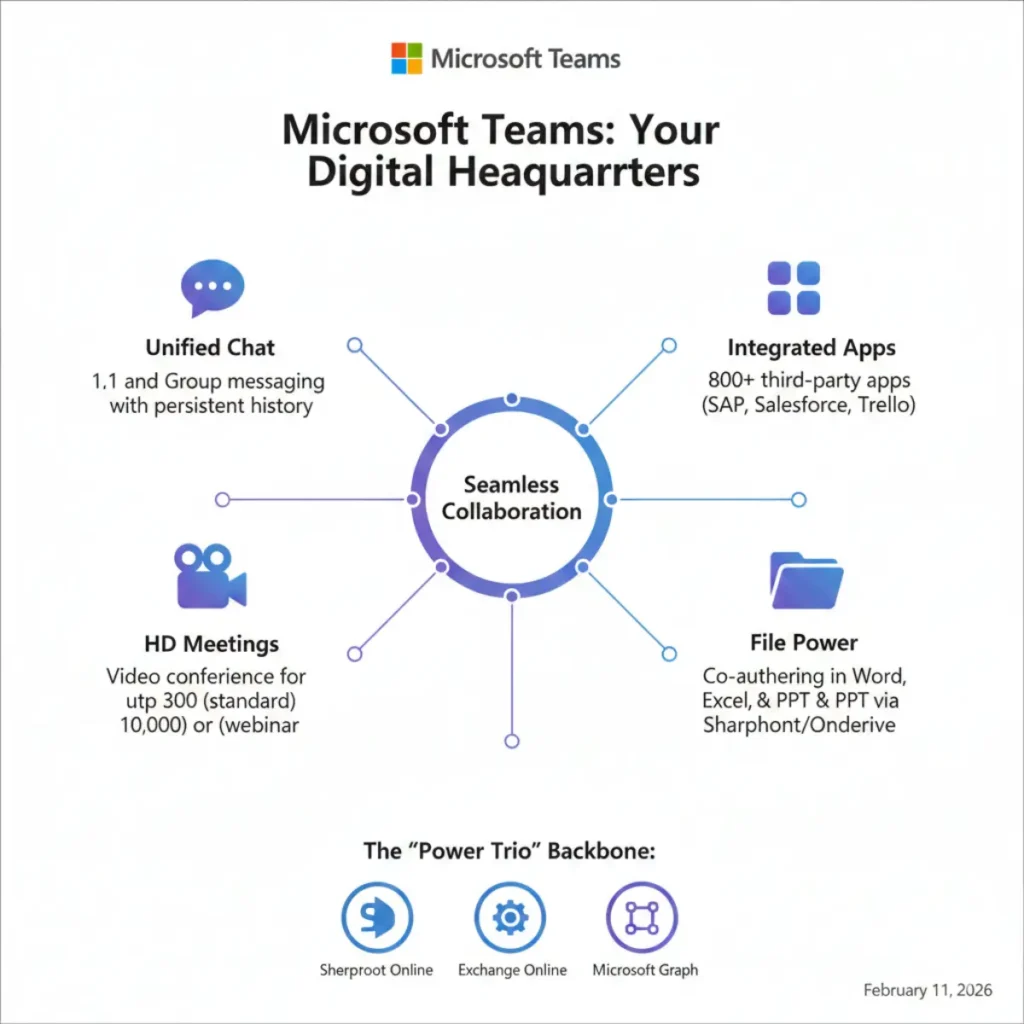
Microsoft Teams has gotten significantly better. If you’re already in the Microsoft ecosystem, it’s probably your best bet. The integration with Office 365 means you can edit documents during calls without switching windows, and the new focus mode helps filter out notification noise during deep work sessions.
Google Meet is perfect if you’re looking for something straightforward and free. It’s improved its screen sharing capabilities and now offers built-in whiteboarding that doesn’t require yet another app.
According to Sarah Mitchell, a remote work consultant who’s helped over 200 companies transition to distributed teams, “The best video conferencing tool is the one your entire team will actually use consistently. Don’t get caught up in feature lists. Get caught up in adoption rates.”
Project Management and Collaboration Platforms
This is where things get interesting because project management tools can either save your sanity or destroy it.
Notion has become my personal favorite for knowledge management and lightweight project tracking. It’s incredibly flexible, which is both its strength and weakness. You can build exactly what you need, but there’s definitely a learning curve. The AI assistant they’ve added helps you organize information faster and can even draft project briefs based on your notes.
Asana is what I recommend for teams that need serious project management without the complexity of enterprise tools. The timeline view helps everyone understand how their work fits into the bigger picture, and the automation features mean you can stop manually moving cards around.
Monday.com wins for visual thinkers. Everything is color-coded and intuitive, making it easy to see project status at a glance. The recent updates to their automation builder let you create workflows without needing to code.
ClickUp tries to be everything for everyone, which can feel overwhelming at first. But if you’re willing to invest the time in setting it up properly, it can replace about five other tools you’re currently paying for.
Here’s what matters more than which specific tool you choose: pick one and stick with it. I’ve seen too many teams switch platforms every six months, losing institutional knowledge and team morale in the process.
File Sharing and Document Collaboration
Remember emailing documents back and forth with filenames like “ProjectFinal_v3_FINAL_actuallyFINAL.docx”? Yeah, we’ve evolved past that nightmare.
Google Workspace remains unbeatable for real-time collaboration. Multiple people can edit the same document simultaneously, and the suggestion mode has prevented countless version control headaches in my experience.
Dropbox has reinvented itself as more than just cloud storage. Their new features for organizing project files and integrating with other tools make it worthwhile, especially if you’re working with large creative files.
Notion deserves another mention here because it’s increasingly replacing traditional document storage for many teams. Everything lives in one searchable place, which is honestly revolutionary when you’re tired of hunting through Google Drive folders.
Time Tracking and Productivity Tools
I used to think time tracking was micromanagement disguised as productivity. Then I started freelancing and realized I had no idea where my time actually went.
Toggl Track is simple and non-intrusive. You click start, do your work, and click stop. The reports help you understand your productivity patterns without making you feel like you’re being surveilled.
RescueTime runs in the background and shows you exactly how you spend your computer time. The insights can be brutal but eye-opening. Turns out I was spending two hours a day on “communication” that was actually just scrolling through Slack.
Clockify offers unlimited users on the free plan, which makes it perfect for small teams or freelancers just starting out.
As productivity expert James Clear notes in his research on habit formation, “You can’t improve what you don’t measure. Time tracking isn’t about judgment; it’s about awareness.”
Communication Beyond Video Calls
Slack dominates the chat space, and the 2026 version has gotten smarter about reducing notification overwhelm. The new digest feature summarizes channel activity so you don’t feel compelled to read every single message.
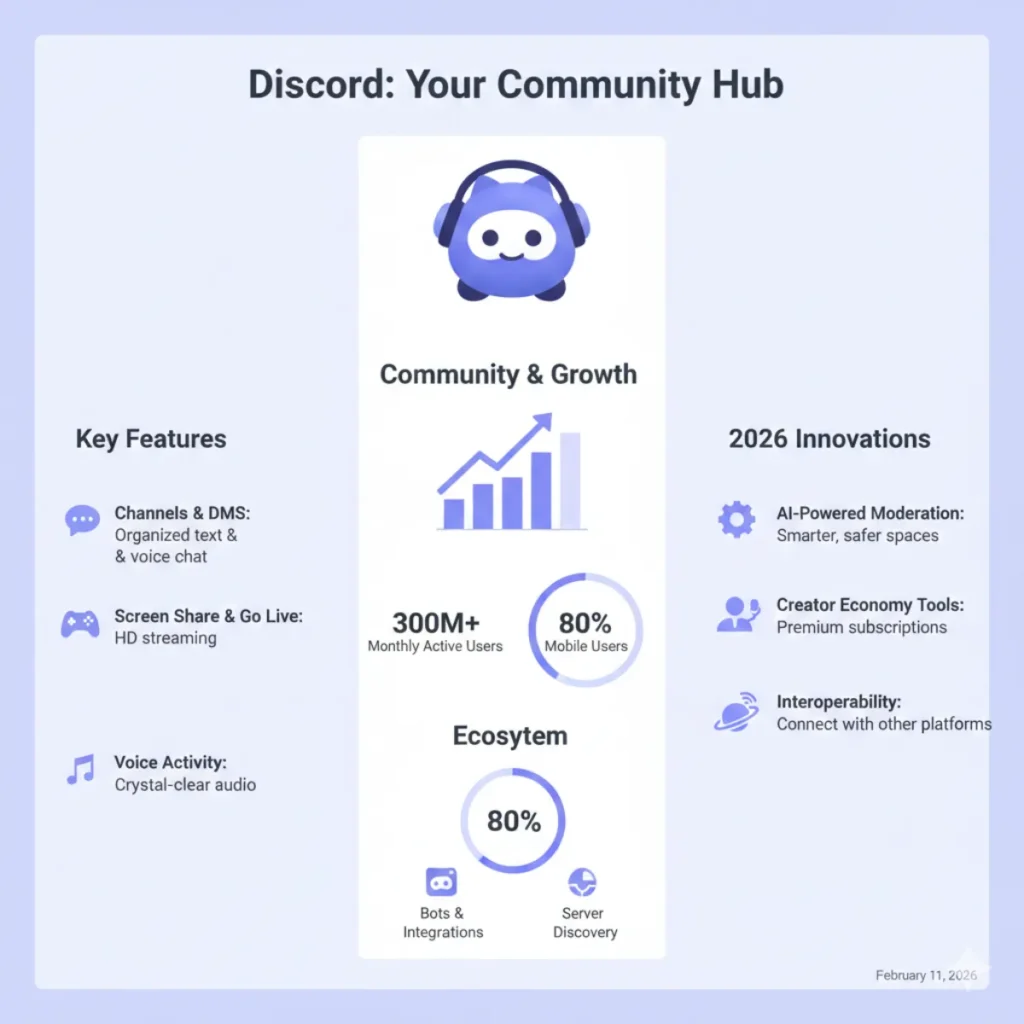
Discord has moved beyond gaming communities and is now a legitimate option for remote teams, especially creative ones. The voice channels, where you can just hop in and out without scheduling a formal meeting, feel more natural than traditional video conferencing.
Loom deserves special recognition for asynchronous communication. Recording quick video messages instead of typing long explanations or scheduling calls saves enormous amounts of time. I use it constantly for giving feedback, explaining complex ideas, or just providing updates.
Security and Password Management
Working remotely means accessing company systems from coffee shops, home networks, and everywhere in between. Security isn’t optional.
1Password and Bitwarden both offer excellent password management with team features. Stop writing passwords on sticky notes or, worse, using the same password for everything.
NordVPN or ExpressVPN should be running whenever you’re on public WiFi. The slight slowdown in speed is worth not having your data intercepted.
AI-Powered Productivity Assistants
The AI revolution has genuinely improved remote work in 2026, cutting through the hype to deliver actual value.
ChatGPT Plus helps with everything from drafting emails to brainstorming project ideas. I use it daily for first drafts that I then refine with my own voice.
Grammarly has evolved beyond spell-checking to offer tone suggestions and clarity improvements that make your writing significantly better.
Otter.ai transcribes meetings in real-time, making it invaluable for keeping records and making meetings accessible to team members who couldn’t attend.
Comparison Table: Top Tools by Category
| Category | Tool | Best For | Starting Price | Key Feature |
|---|---|---|---|---|
| Video Calls | Zoom | Reliability | $14.99/mo | AI meeting summaries |
| Project Management | Asana | Teams | $10.99/user/mo | Timeline view |
| Communication | Slack | Team chat | $7.25/user/mo | Channel organization |
| File Storage | Google Drive | Collaboration | $6/user/mo | Real-time editing |
| Time Tracking | Toggl | Simplicity | $10/user/mo | One-click tracking |
| Password Security | 1Password | Teams | $7.99/user/mo | Shared vaults |
| AI Assistant | ChatGPT Plus | Content creation | $20/mo | Advanced reasoning |
| Screen Recording | Loom | Async communication | $12.50/user/mo | Instant sharing |
My Personal Remote Work Stack
After years of experimentation, here’s what I actually use every single day:
- Notion for project management and knowledge base
- Google Meet for quick calls with clients
- Loom for asynchronous updates and feedback
- Toggl for time tracking
- Grammarly for writing assistance
- 1Password for security
- Spotify for focus music (not exactly a work tool, but essential nonetheless)
The key insight I’ve learned is that less is often more. Having fewer tools that integrate well beats having specialized tools for everything.
Tips for Choosing Your Remote Work Tools
Start with what’s free or has generous trial periods. Don’t commit to annual subscriptions until you’ve used something for at least three months. What looks perfect in a demo video might be clunky in daily use.
Consider integration capabilities. Tools that play nicely together create workflows that feel seamless instead of constantly switching contexts and losing your train of thought.
Think about your team’s tech comfort level. The most powerful tool in the world is useless if half your team won’t use it properly.
According to a 2025 study by Buffer on remote work, teams that standardize on fewer, well-integrated tools report 34% higher satisfaction rates than teams using a sprawling toolkit of specialized applications.
Common Mistakes to Avoid
Don’t tool-hop constantly. Give each platform a fair chance before declaring it doesn’t work for your team.
Avoid the “enterprise” trap unless you truly need those features. Small teams paying for enterprise plans often use less than 20% of available features.
Remember that tools are just tools. They won’t fix communication problems, cultural issues, or unclear expectations. Sometimes the problem isn’t your project management software; it’s that nobody knows who’s responsible for what.
The Future of Remote Work Tools
Looking ahead, I see AI becoming even more integrated into our daily workflows. The tools that will win aren’t necessarily the ones with the most AI features, but the ones that use AI to reduce friction rather than add complexity.
We’re also seeing a trend toward all-in-one platforms that reduce tool sprawl. Whether this consolidation ultimately serves users better than specialized tools remains to be seen.
What I do know is that remote work is here to stay, and the tools will continue evolving to meet our needs. The companies that listen to actual users rather than just chasing trends will build the tools we’re still using five years from now.
Frequently Asked Questions
What are the essential tools every remote worker needs?
At a minimum, you need reliable video conferencing software, a project management tool, secure file storage, and a communication platform. Most remote workers also benefit from time tracking software and password management tools.
How much should I budget for remote work tools?
For an individual, expect to spend between fifty and one hundred fifty dollars monthly for a solid toolkit. Teams should budget approximately thirty to seventy-five dollars per user monthly, depending on their specific needs and which tools they choose.
Are free versions of these tools sufficient?
Many tools offer genuinely useful free tiers that work well for individuals and small teams. Google Meet, Slack, Notion, and Toggl all have free versions that provide real value. Upgrade when you hit limitations, not because of marketing pressure.
How do I convince my team to adopt new tools?
Start with a pilot group of enthusiastic early adopters. Demonstrate clear benefits with specific examples. Provide training and support during the transition. Most importantly, give people time to adjust rather than forcing overnight adoption.
What’s the best project management tool for small teams?
Asana and Notion both work excellently for small teams. Asana is better if you need traditional task management with dependencies and timelines. Notion is better if you want flexibility to customize your workspace and combine project management with knowledge management.
Can AI tools really improve productivity, or are they just hype?
AI tools genuinely help with specific tasks like drafting content, summarizing meetings, and organizing information. However, they work best as assistants rather than replacements for human judgment. Use them to handle repetitive tasks so you can focus on work that requires creativity and critical thinking.
How often should we evaluate and change our tools?
Review your toolkit annually, but don’t make changes more frequently unless something is seriously broken. Constant tool switching destroys productivity and frustrates teams. Stability often matters more than having the absolute latest features.
What security measures are essential for remote work?
Use a password manager, enable two-factor authentication everywhere possible, use a VPN on public networks, keep software updated, and encrypt sensitive files. These basics cover most security risks remote workers face.
Remote work success comes down to finding tools that fit how you actually work, not how productivity gurus say you should work. Experiment, but don’t get stuck in perpetual experimentation mode. Pick your core tools, learn them deeply, and focus your energy on doing great work instead of endlessly optimizing your toolkit.
The tools I’ve shared here work for thousands of other remote workers. They might not all work for you, and that’s completely fine. Use this guide as a starting point, trust your own experience, and build a toolkit that makes your remote work life genuinely better.
References and Expert Sources
- Buffer – “State of Remote Work 2025” – https://buffer.com/state-of-remote-work
- Gartner Research – “Digital Workplace Tools Analysis 2026” – https://www.gartner.com
- James Clear – “Atomic Habits and Productivity Measurement” – https://jamesclear.com
- Harvard Business Review – “The Future of Remote Collaboration” – https://hbr.org
- Remote Work Association – Industry Standards and Best Practices – https://remotework.org
About The Author
